


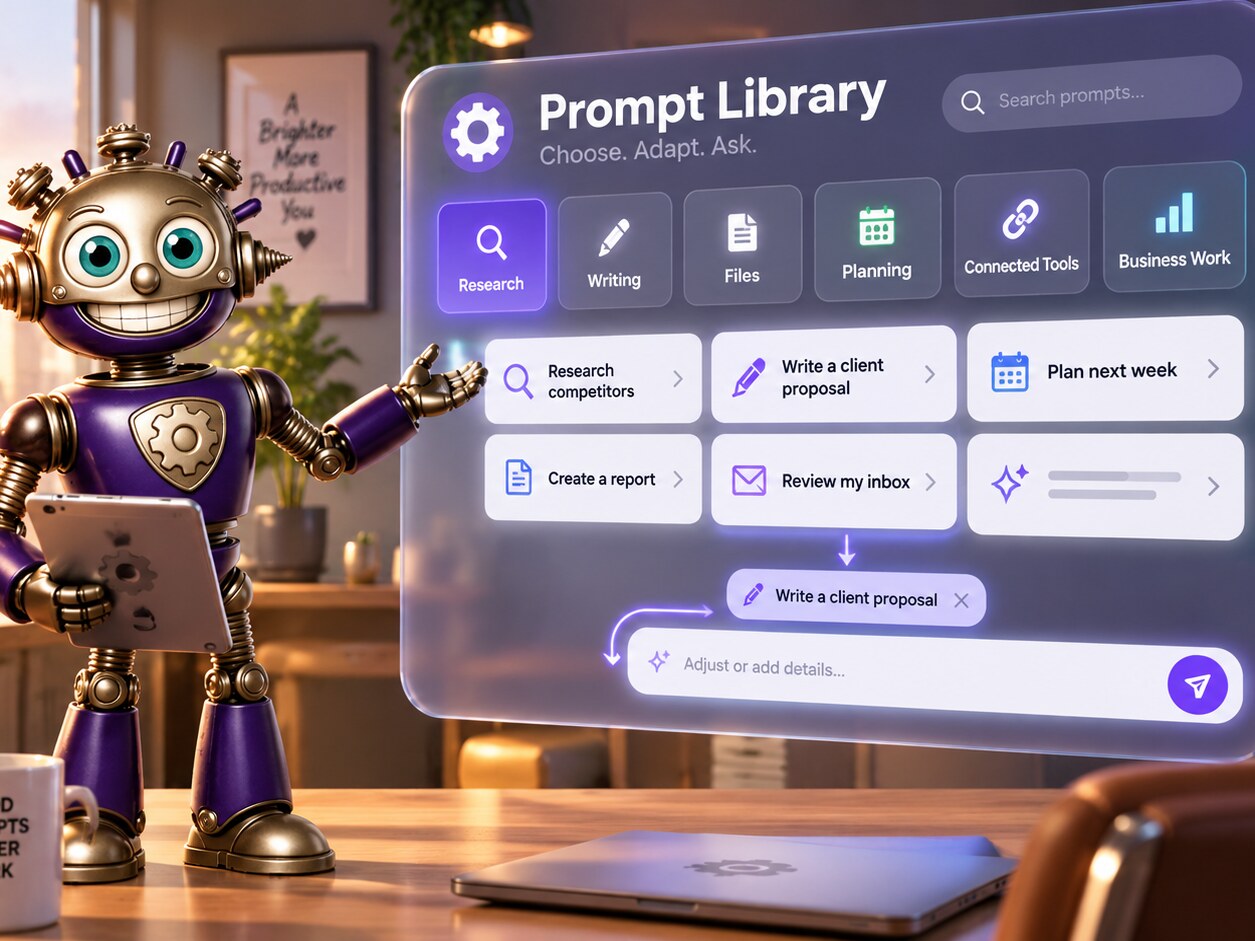
A powerful assistant is not useful if people have to memorize its capabilities. The Prompt Library organizes practical examples by the work users are trying to accomplish, then places those examples where a new conversation actually begins. Choose a prompt, adapt the details, and let GearHead remain part of the answer.
What it does for you
The library is a discoverability layer over GearHead's existing tools and conversations—not a separate execution system.
Available in three places
Open Prompt Library from the full Dashboard, the focused New Chat Quick Actions, or the composer + menu without hunting through Account Settings.
Organized by real work
Browse generalized prompts for research, files, communication, planning, image and video work, reminders, connected tools, and other supported tasks.
Prompts stay editable
A selected example becomes a starting point. Add the client, date, file, audience, constraint, or desired format before submitting it.
Capability-aware guidance
Examples can guide users toward the relevant feature while normal entitlement, confirmation, provider, and execution boundaries remain in force.
Useful for new users
Start with familiar questions, search, research, and document work; discover deeper operational tools only when they become relevant.
GearHead can point the way
Ask where to find prompts or how to begin a task and GearHead can explain the three entry points and suggest an appropriate starting request.
From setup to running in minutes
Open the library
Use Dashboard, focused New Chat, or the composer + menu.
Choose the outcome
Browse the category that matches the work you want completed.
Make it specific
Replace generalized details with your audience, project, file, timing, and constraints.
Continue naturally
Submit through the normal conversation and refine the result with ordinary follow-ups.
Who's using Prompt Library
Learn what GearHead can actually do
Use examples as a map of practical outcomes instead of reading a long capability catalog before asking the first question.
Delegate a compound request clearly
Start from a proven structure, add the business specifics, and reduce the back-and-forth needed to complete multi-step work.
Give staff a reliable starting point
Help authorized users ask for recurring work consistently while GearHead still applies the current account, project, and tool context.
Discover less obvious workflows
Browse specialized examples when you want to use a connected source, playbook, panel, or feature you do not call every day.


Start with a better first question.
Open the Prompt Library from any fresh-conversation view, or book a walkthrough of the workflows most useful to you.