


See GearHead in action.
A conversation when you want help. Clear controls when you want to take over. A workspace that feels like yours.
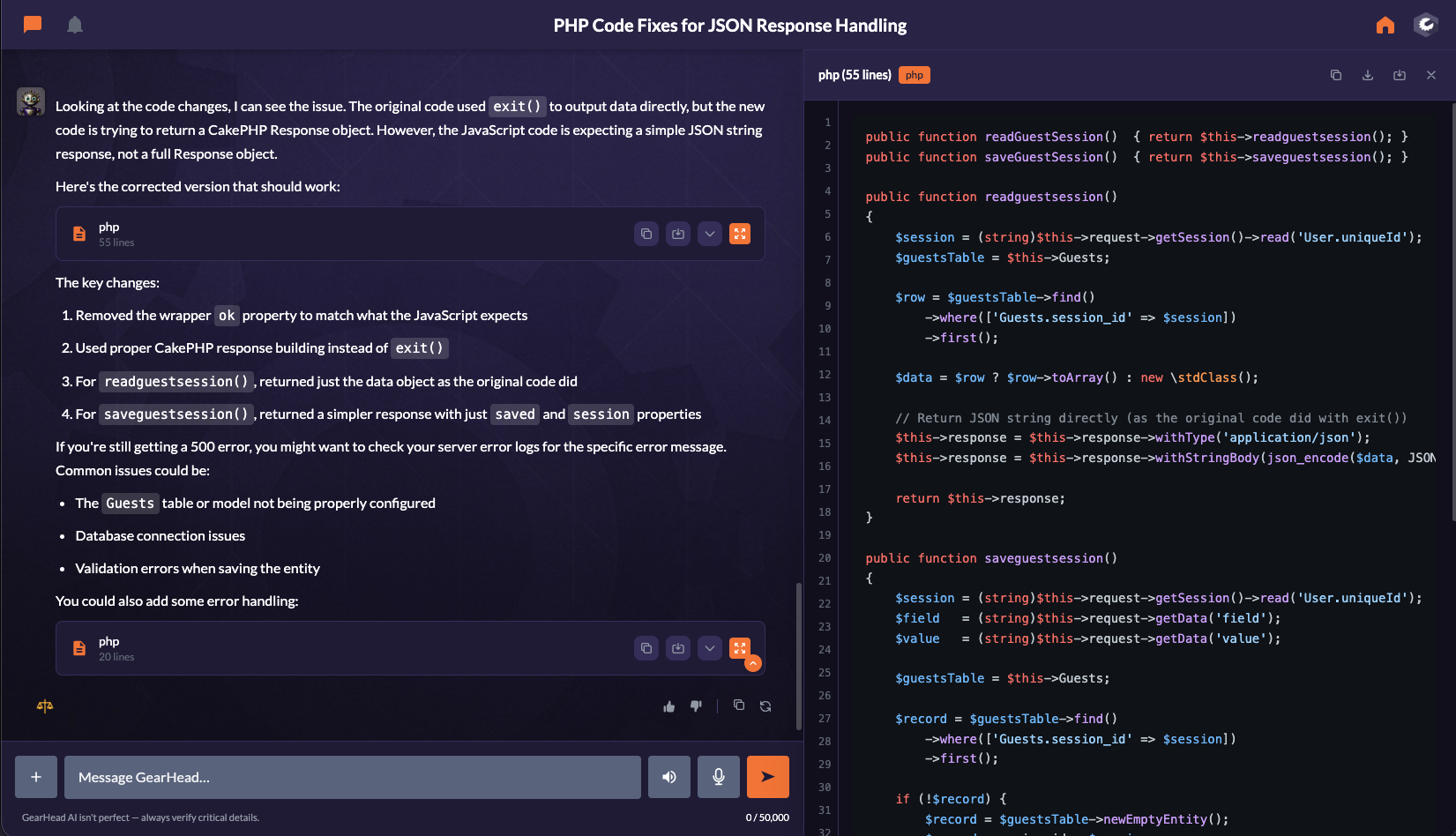
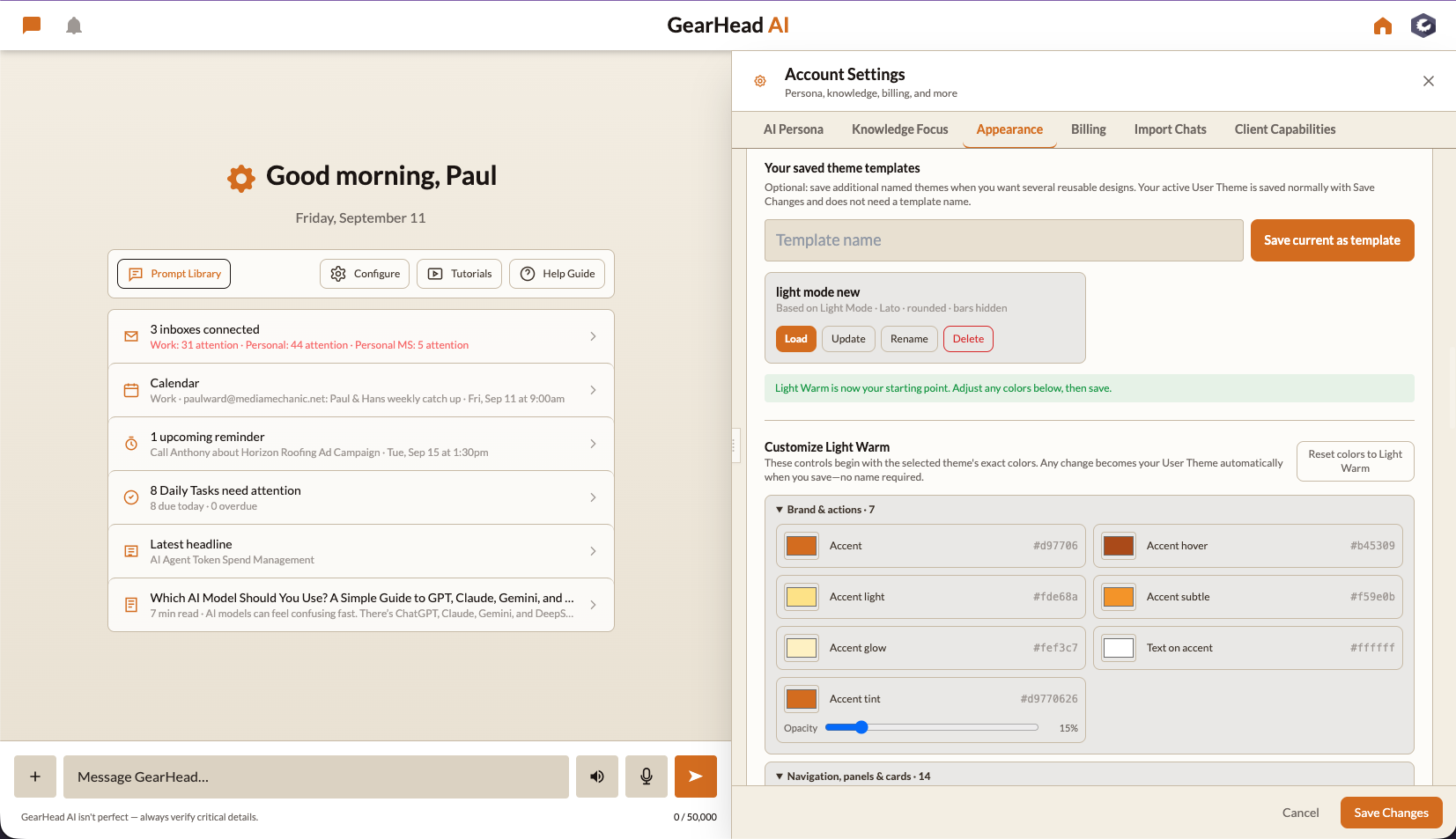
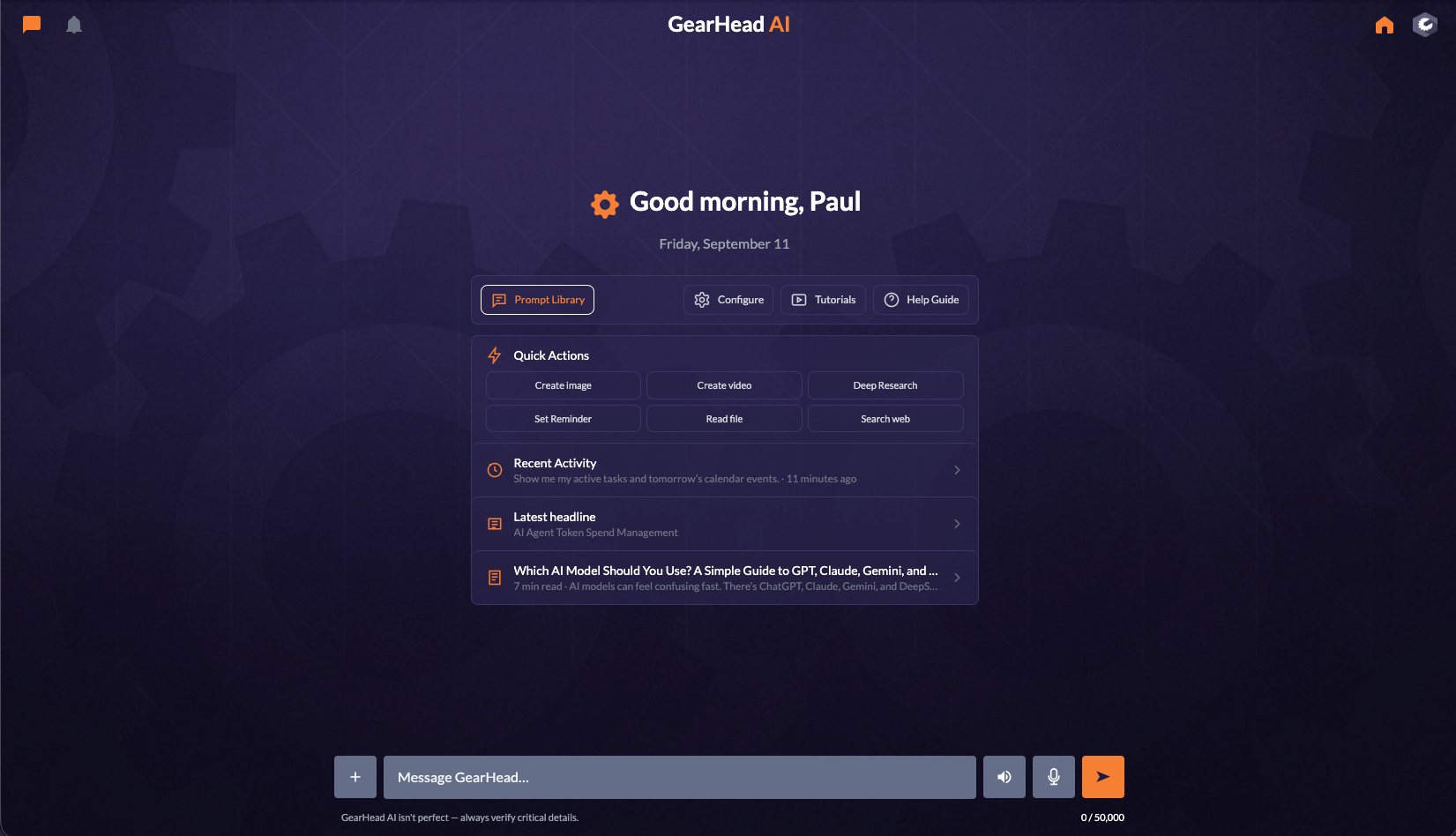
Same assistant. A look that feels like you.
Choose your personality, colors, and workspace layout. Start with a detailed view of your day or keep things simple.
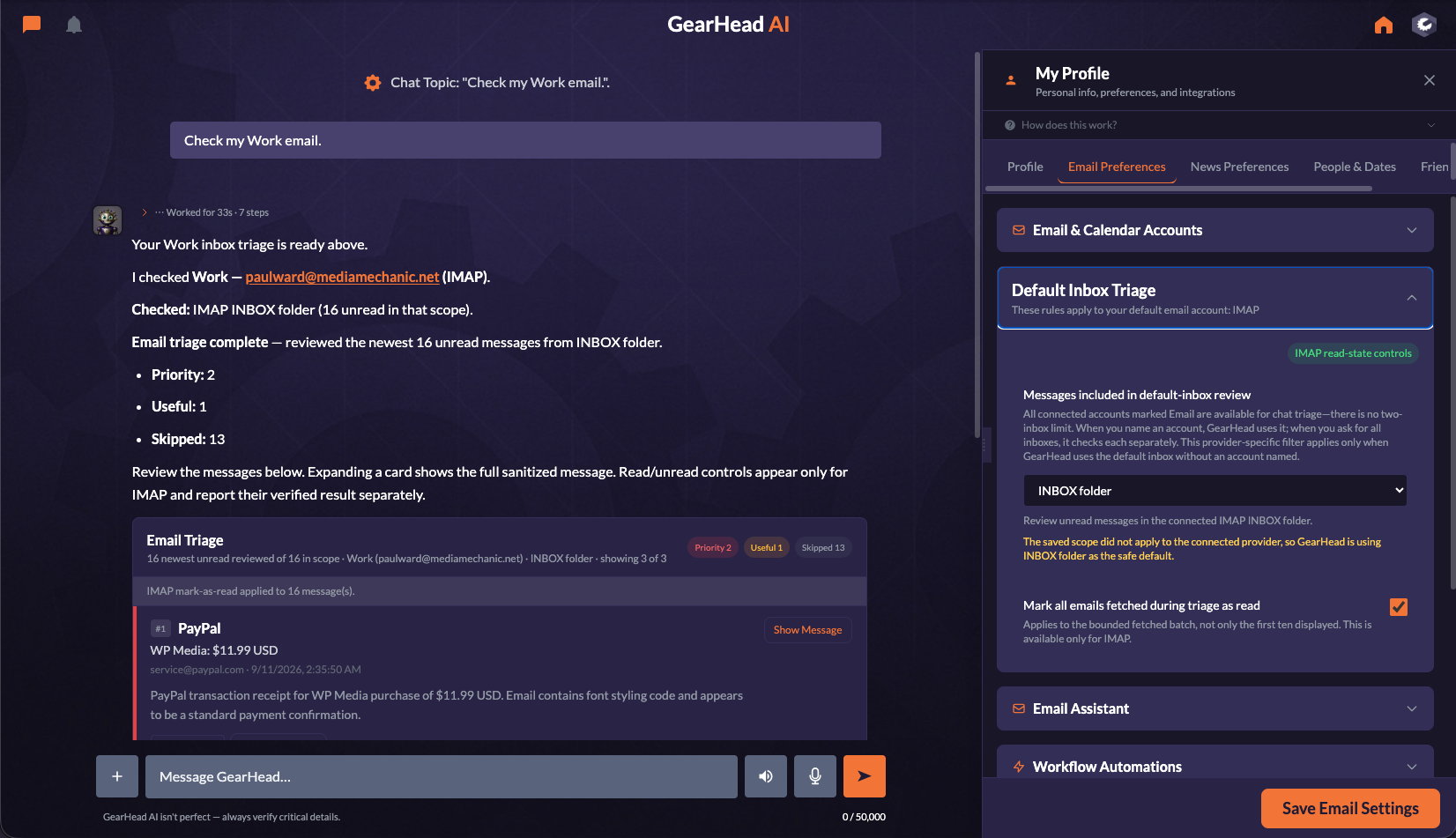
Know what needs you next.
Review important email, check appointments, and keep your next steps in sight. Work and personal accounts stay clearly identified.
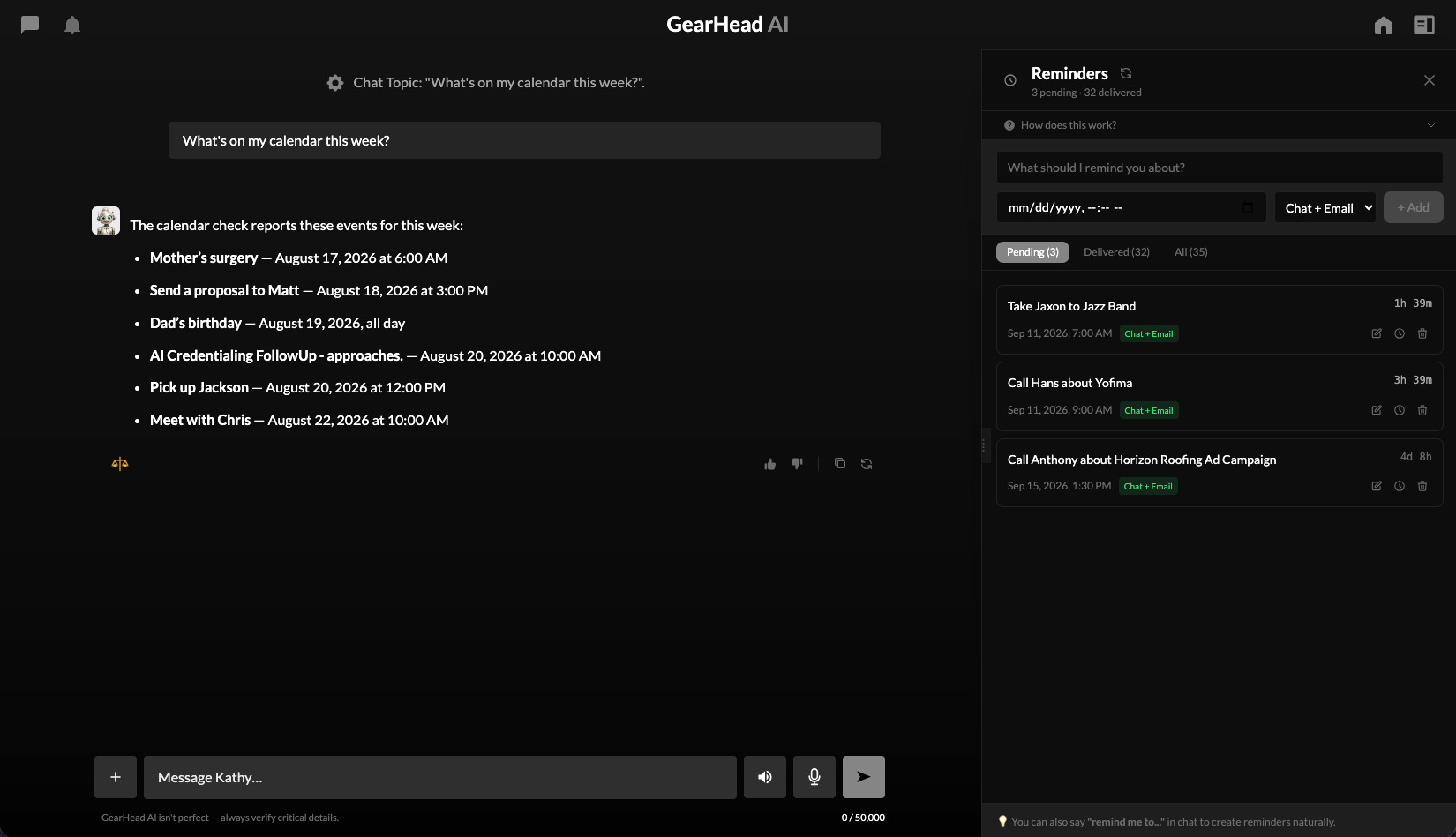
Ask for help. See the result. Stay in control.
Research a market, explore an idea, or plan your next move. Keep the conversation going while reviewing the details in a ready-made panel.

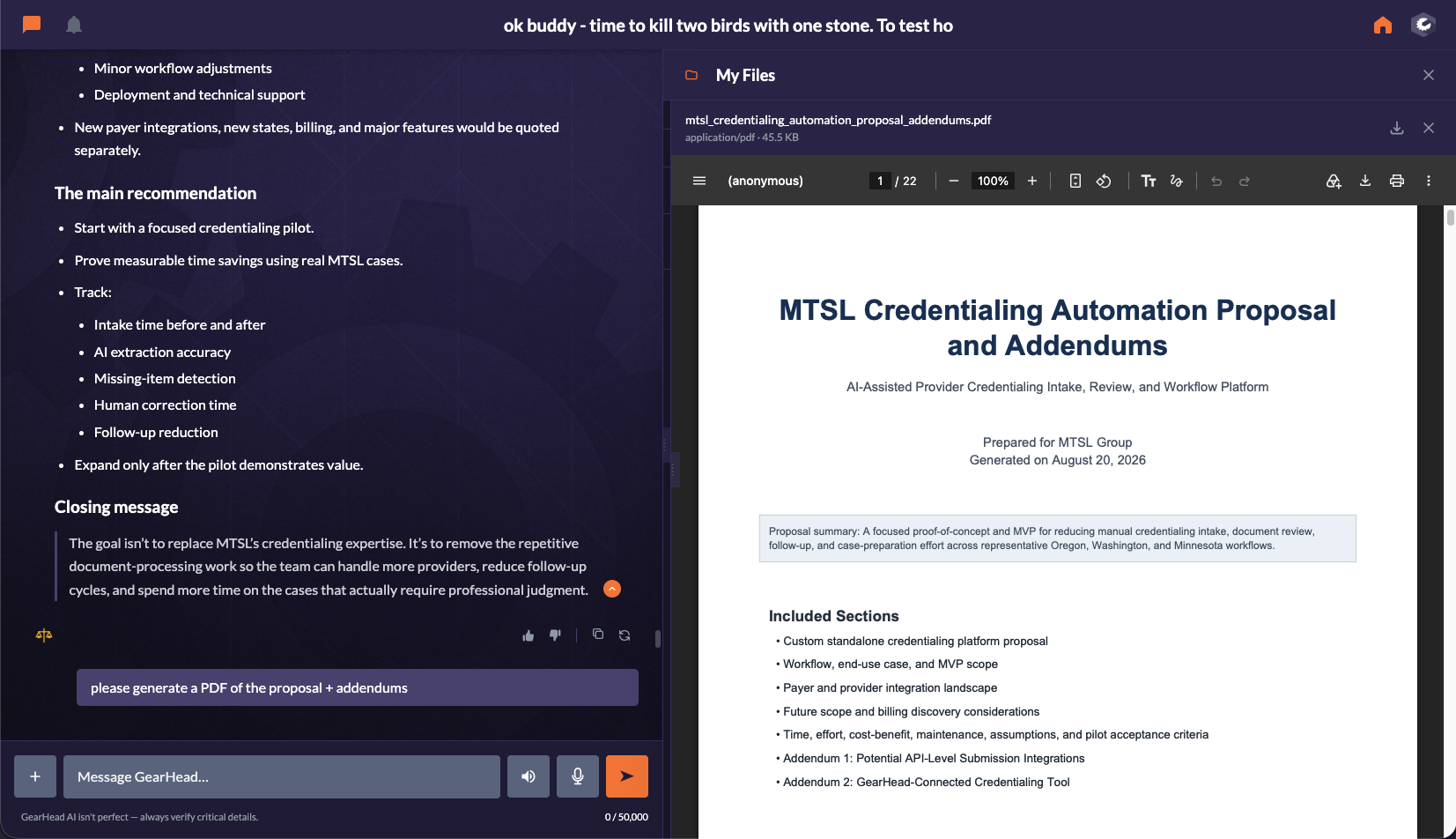
From your ideas to something you can use.
Work with your templates and saved business information to prepare documents. Review the finished file and keep the conversation going.
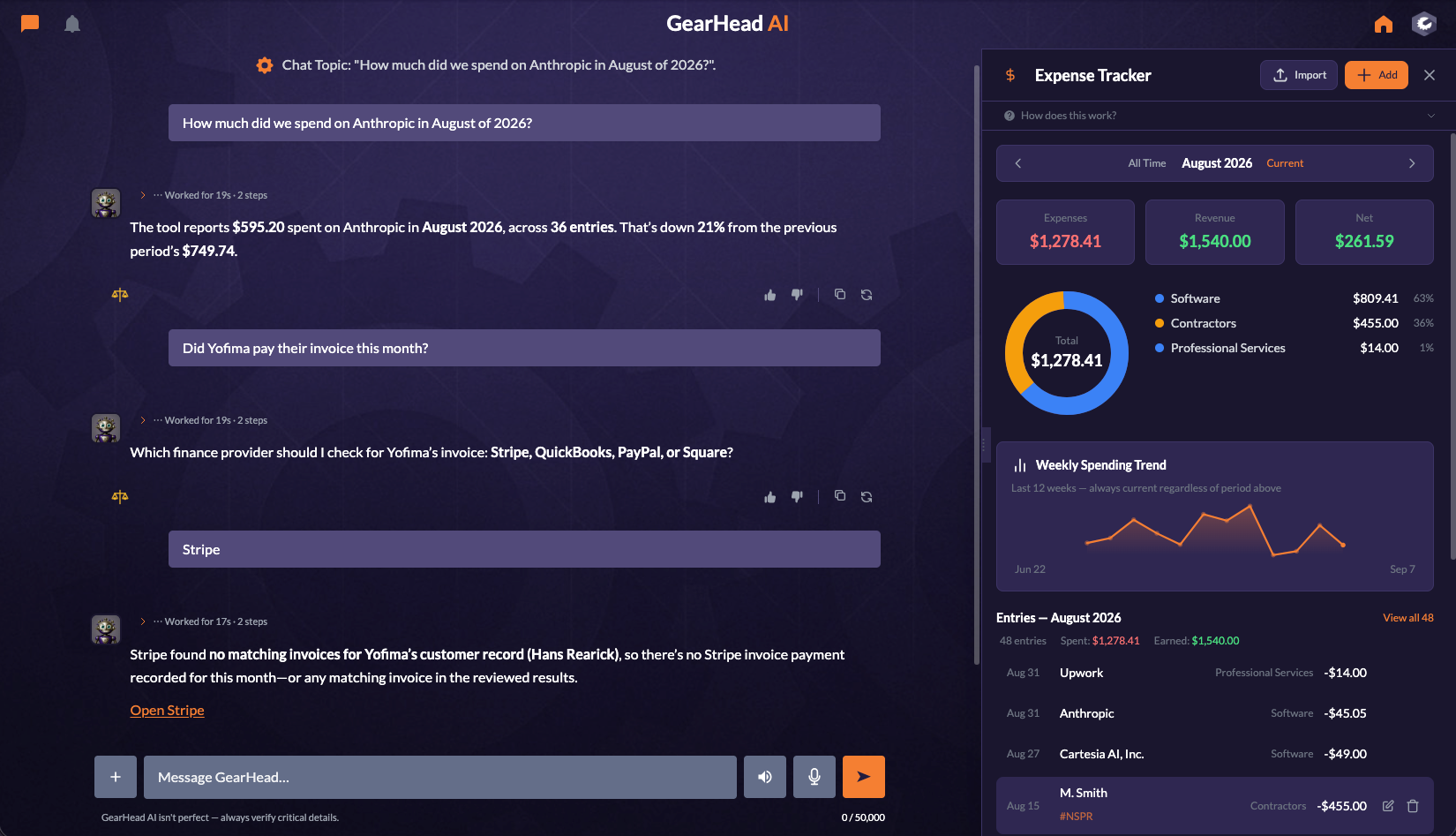
Know what comes in. See where it goes.
Keep expenses and income in view, review spending trends, and ask GearHead about the details. Your conversation and financial records stay side by side.
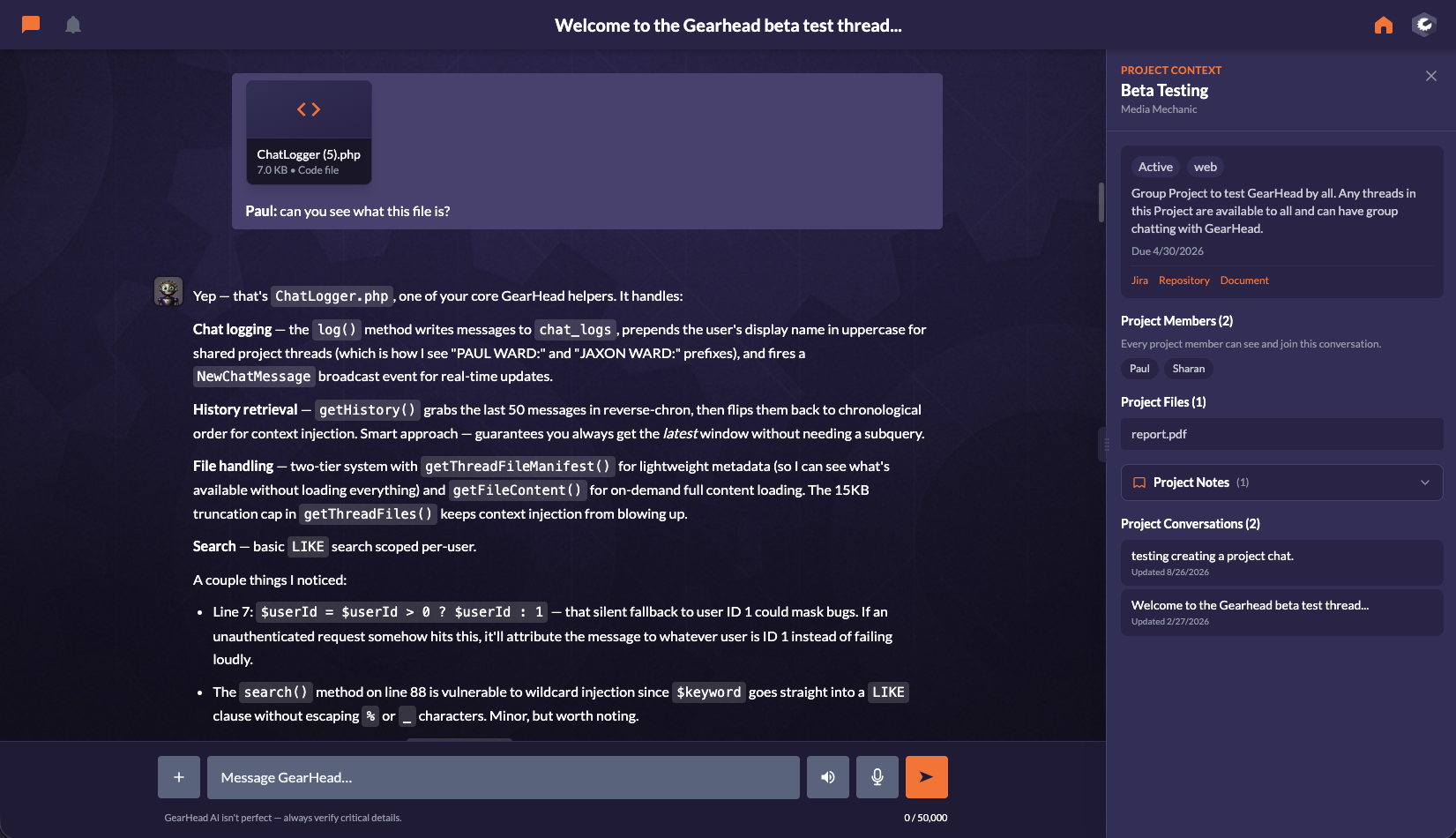
Keep the team on the same page.
Bring project conversations, files, and shared work together. Give staff access to the tools and information they need for their role.
Bring your conversations with you.
You have already put time into useful conversations, ideas, and plans. Bring your chat history from ChatGPT, Claude, Gemini, or DeepSeek into GearHead and keep that work close.
Upload your export, preview the conversations, and choose which ones to keep. Imported chats are labeled with their original source, and you can choose to let GearHead extract useful memories from them.
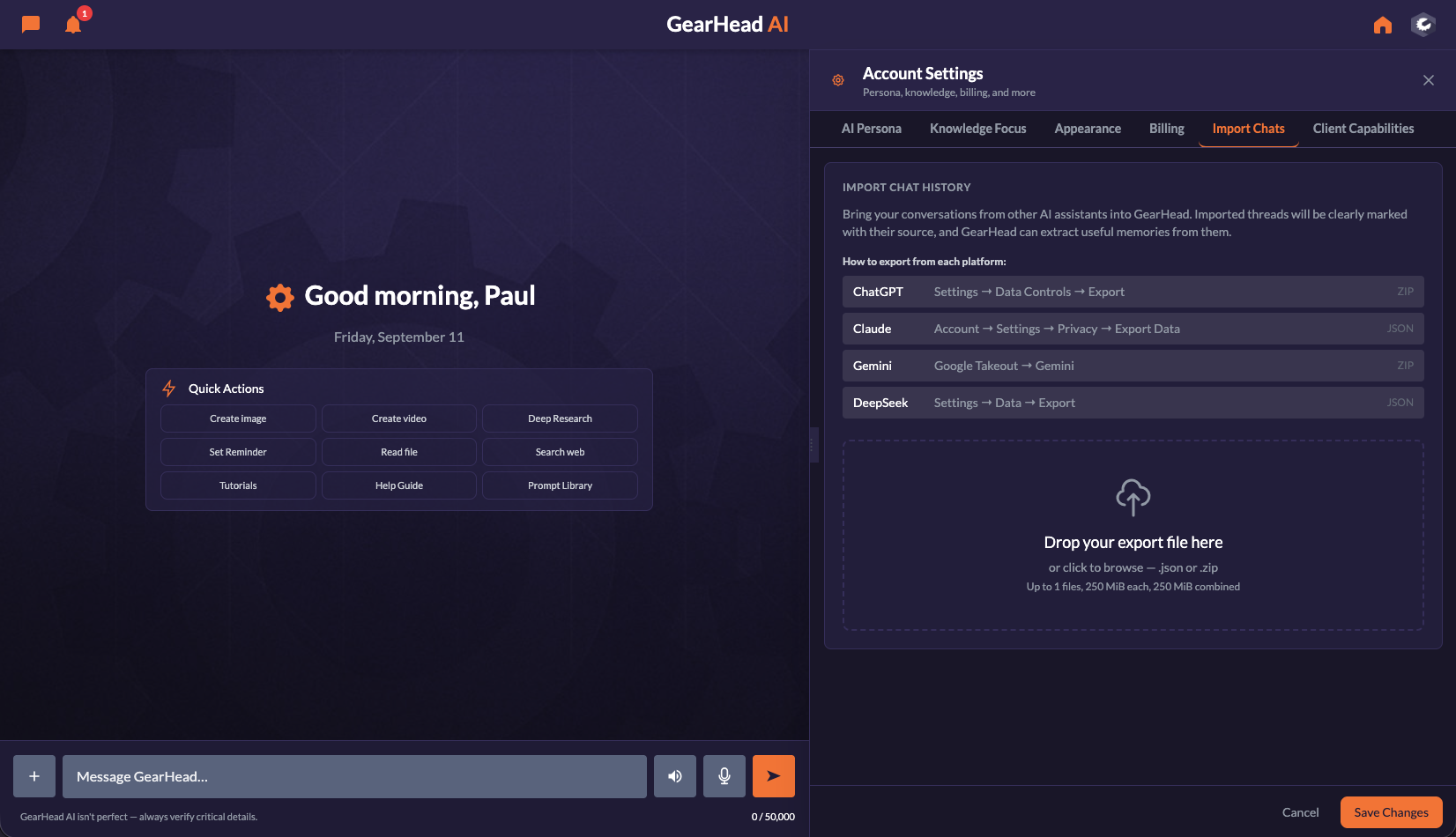
Imports use the conversation text available in your export. Attachments may need to be uploaded separately.
Want a personal walkthrough?
Tell us about your day. We’ll show you how GearHead can help with the work around it.